Coming soon to iOS and Android

Plan the trip together. Remember it forever.

Bhraman keeps the plan, the chat, the money and the documents in one place. AI drafts the itinerary, your group decides, and nothing changes until you say so.

Free to join. No spam, just a note when we launch.

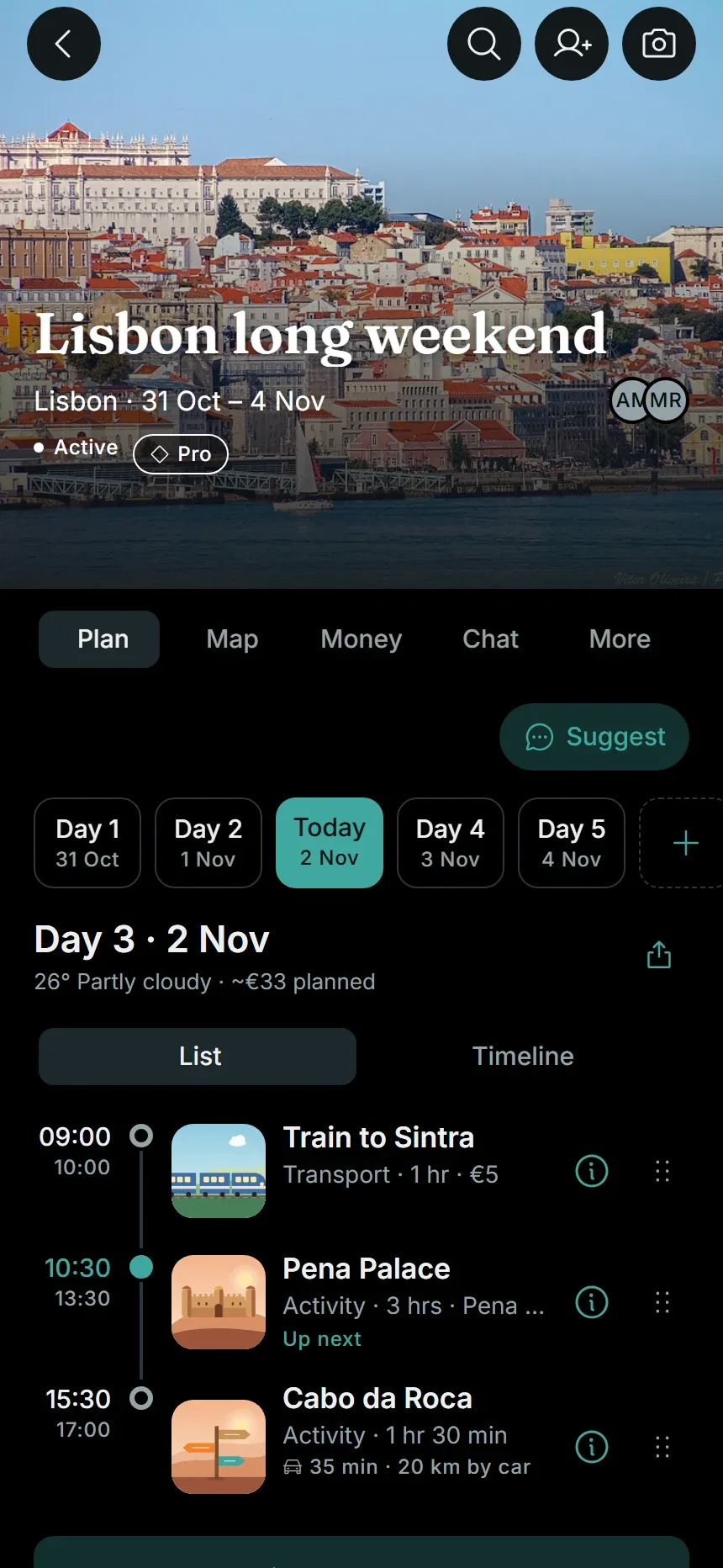
Pena PalaceUp next at 10:30
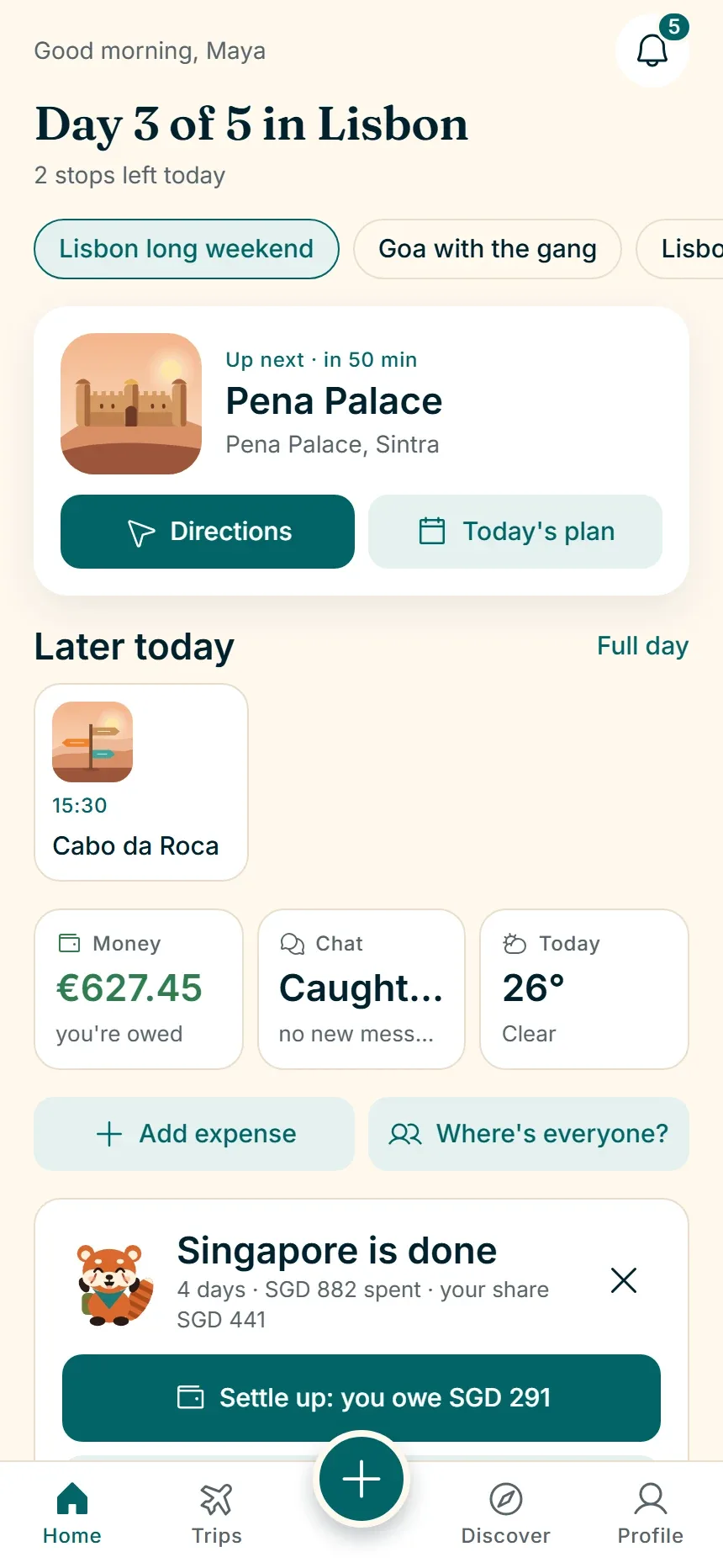
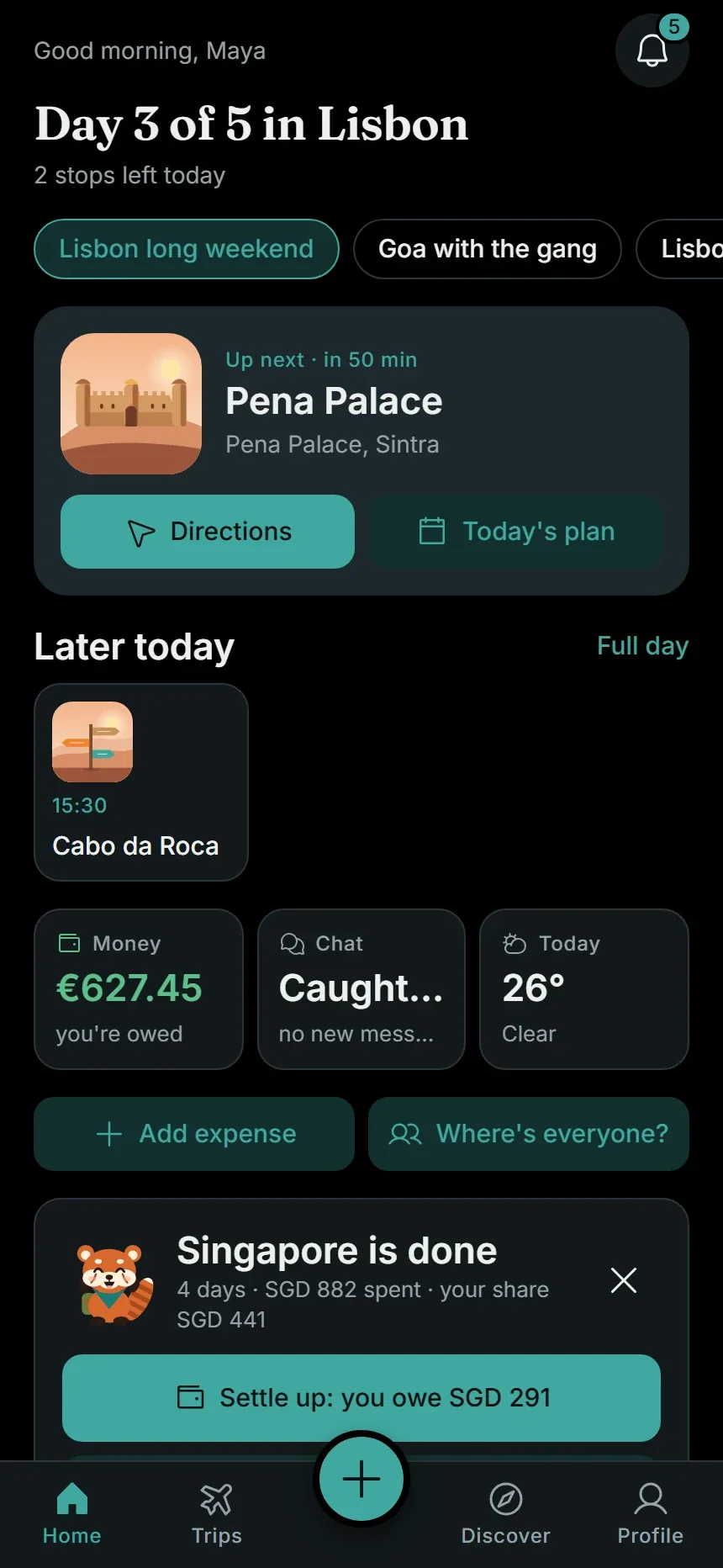
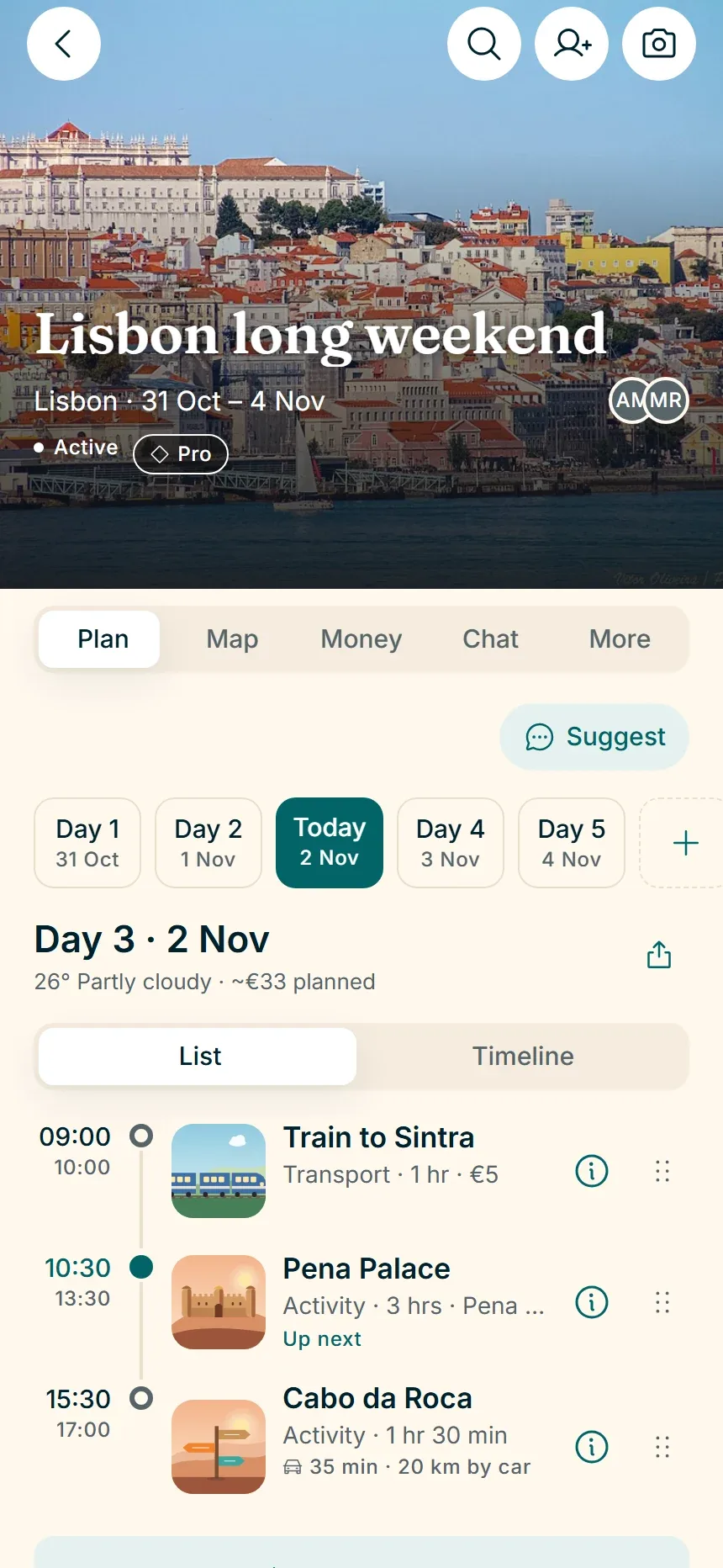
The Bhraman home screen on day 3 of a Lisbon trip: Pena Palace is up next, with directions, the rest of today, money, chat and weather
You’re owed €627.45Settle up in one tap

One trip through Bhraman, from the first idea to someone else’s remix

The loop

Every trip you finish starts someone else’s.

One trip, start to finish

From a spark of an idea to a trip others can take.

Plan it, map it, talk it over, split the money, keep the documents safe, travel it, settle up and share it. Then someone else remixes it.

  1. Start: Plan a trip with AI, build it yourself, or join a friend’s trip with a code.
    01

    Start

    Plan a trip with AI, build it yourself, or join a friend’s trip with a code.

  2. Plan: The AI drafts every day; you keep what you like and add your own stops.
    02

    Plan

    The AI drafts every day; you keep what you like and add your own stops.

  3. Map: See the day on a map, in order, with the travel time between stops.
    03

    Map

    See the day on a map, in order, with the travel time between stops.

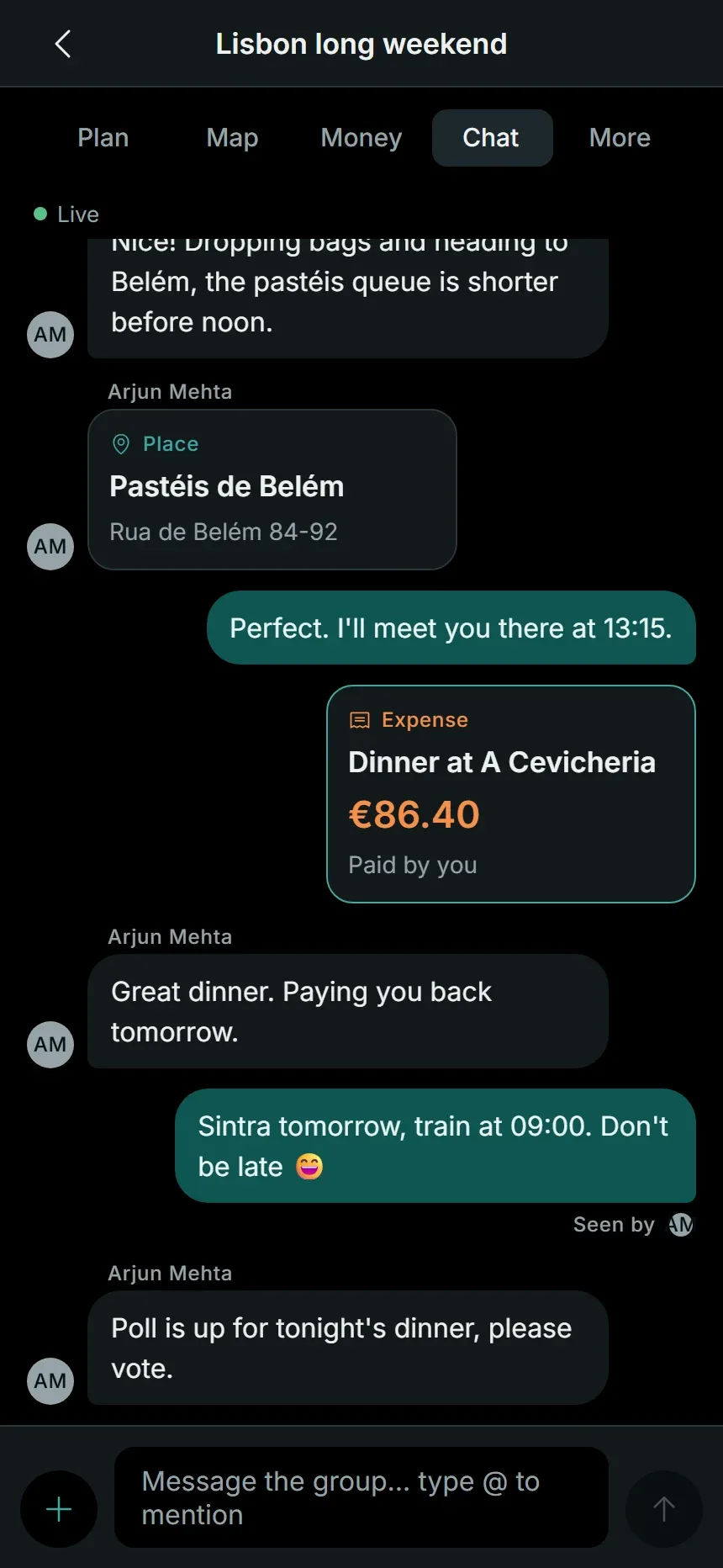
  4. Chat: One chat per trip, with polls, shared places and @AI suggestions you approve.
    04

    Chat

    One chat per trip, with polls, shared places and @AI suggestions you approve.

  5. Money: Log what you spend, split it how you like, and see who owes whom.
    05

    Money

    Log what you spend, split it how you like, and see who owes whom.

  6. Vault: A private vault for tickets and passports, a checklist, ideas and bookings.
    06

    Vault

    A private vault for tickets and passports, a checklist, ideas and bookings.

  7. Travel: When the trip starts, Home shows what is next and how to get there.
    07

    Travel

    When the trip starts, Home shows what is next and how to get there.

  8. Settle: Settle up fairly, then keep a summary of the whole trip.
    08

    Settle

    Settle up fairly, then keep a summary of the whole trip.
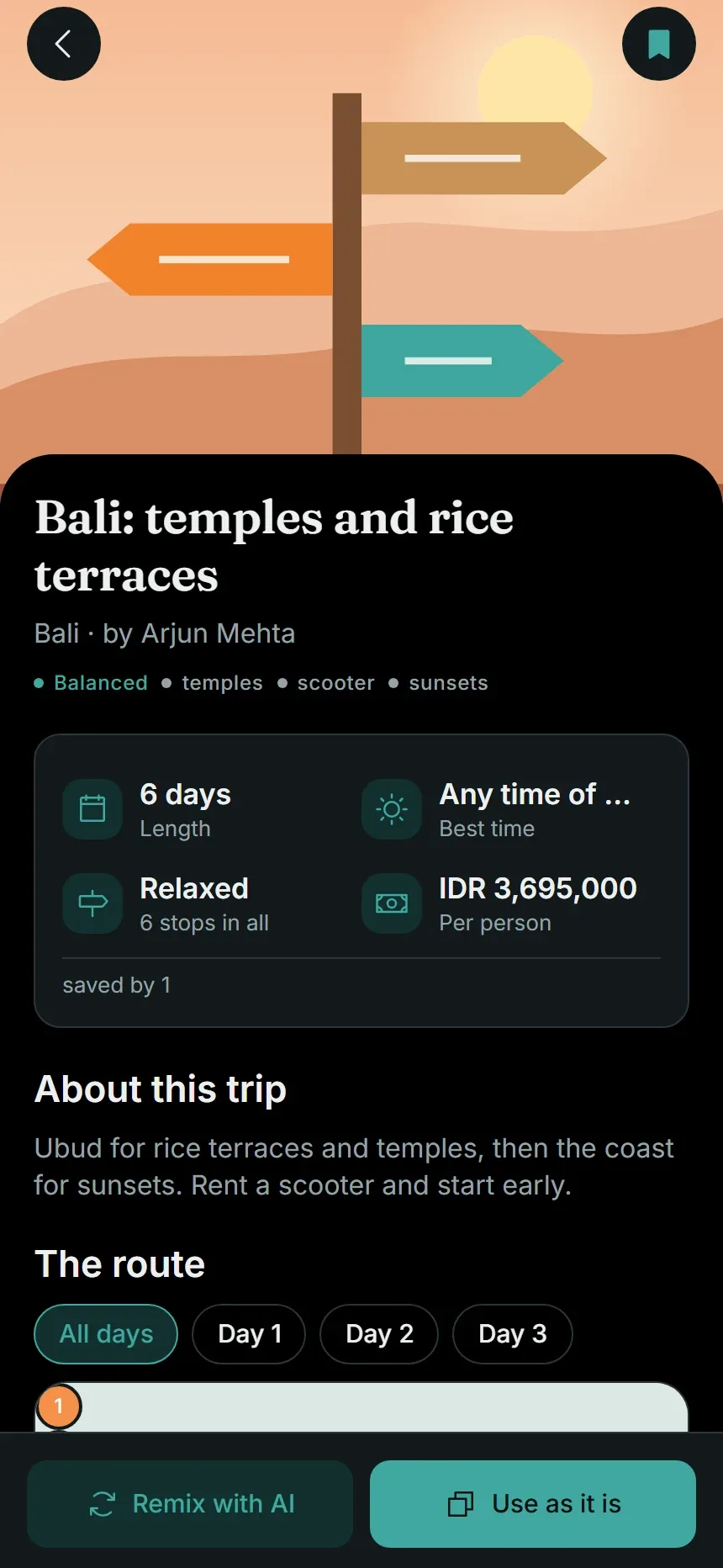
  9. Share: Share the trip as a template; someone else remixes it for their dates.
    09

    Share

    Share the trip as a template; someone else remixes it for their dates.

Features

Everything a trip needs, in one place

Stop juggling a notes app, a group chat, a spreadsheet and a folder of screenshots.

One plan, as a list or a timeline

Every day laid out with times, travel time between stops and a short summary of each place. Drag to reorder, copy a day, or let the app flag a clash and fix it in a tap.

  • Day-by-day plan with weather and a cost estimate
  • List and Timeline views
  • Directions open in your maps app
  • Share the plan with anyone
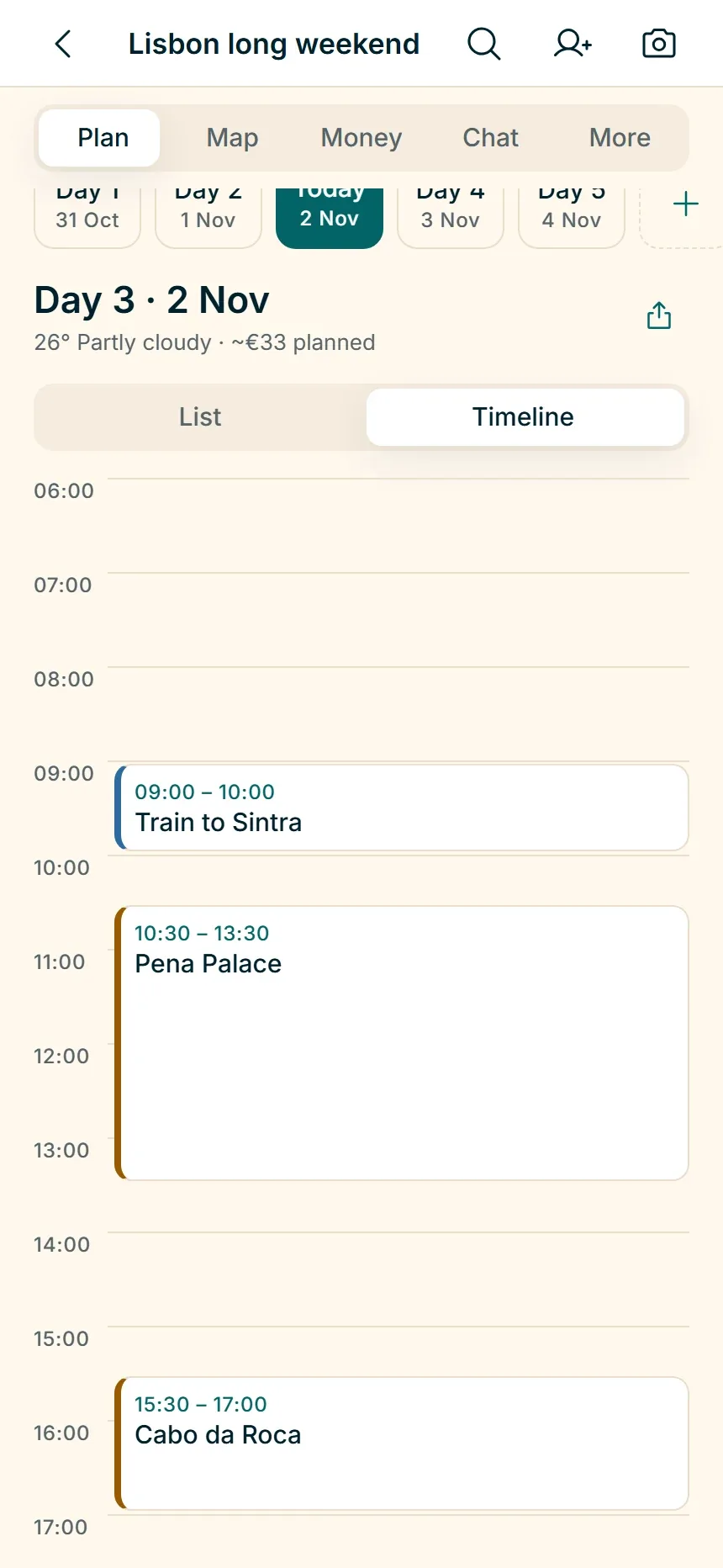
One plan, as a list or a timeline

Time that makes sense

See the day as a real timeline, so a 10:00 walk and a 13:00 lunch actually fit together.

  • Start and end times that cannot overlap
  • Locked items stay where you put them
  • Add a day, delete a day, undo it
Time that makes sense

Money, settled fairly

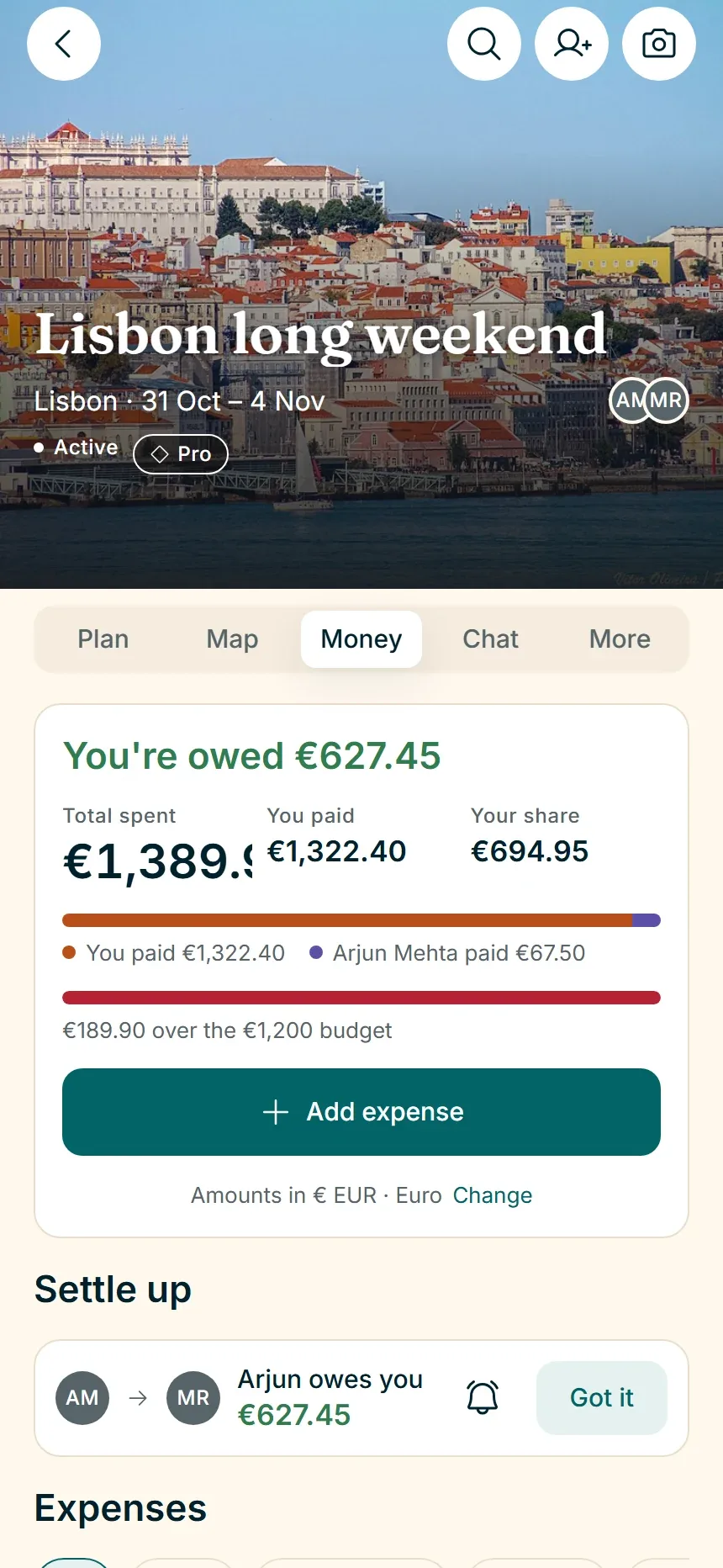
Log what you spend, split it how you like, and see who owes whom in plain words. No spreadsheet, no awkward chasing.

  • Total spent, what you paid, your share
  • Budget bar that shows when you are over
  • Settle up with reminders
  • Pick the currency per trip
Money, settled fairly

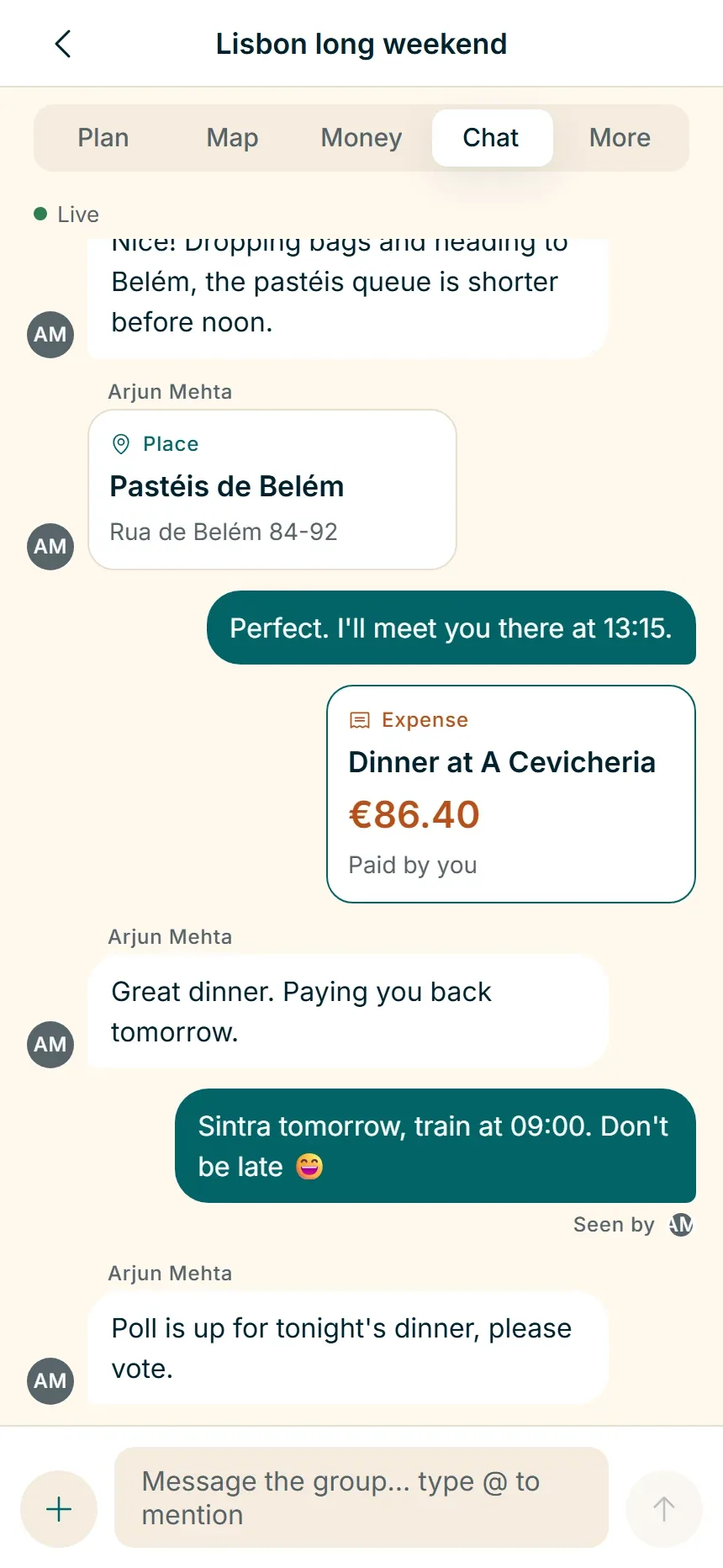
A chat that lives with the plan

Places and expenses can be shared straight into the group chat. Type @AI and it reads the discussion and suggests changes, which you approve before anything moves.

  • One chat per trip, live
  • Polls to decide together
  • Share a place or an expense into the chat
  • See who has seen your message
A chat that lives with the plan

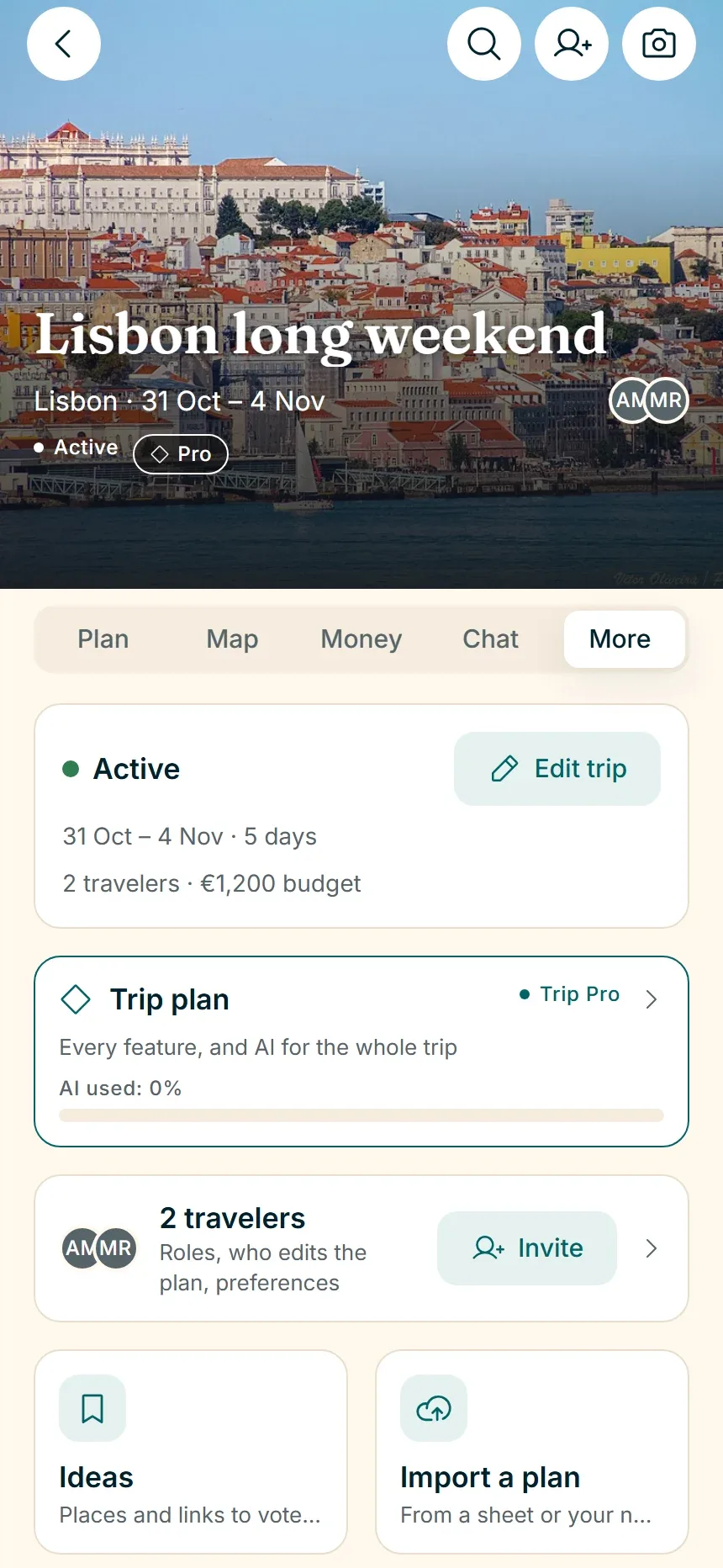
Everything else the trip needs

Ideas, imported plans, a checklist and a private document vault, so passports, tickets and bookings are not lost in your photo roll.

  • Ideas board for places and links
  • Import a plan from a sheet or a document
  • Checklist and reminders before you go
  • Private vault for every document
Everything else the trip needs
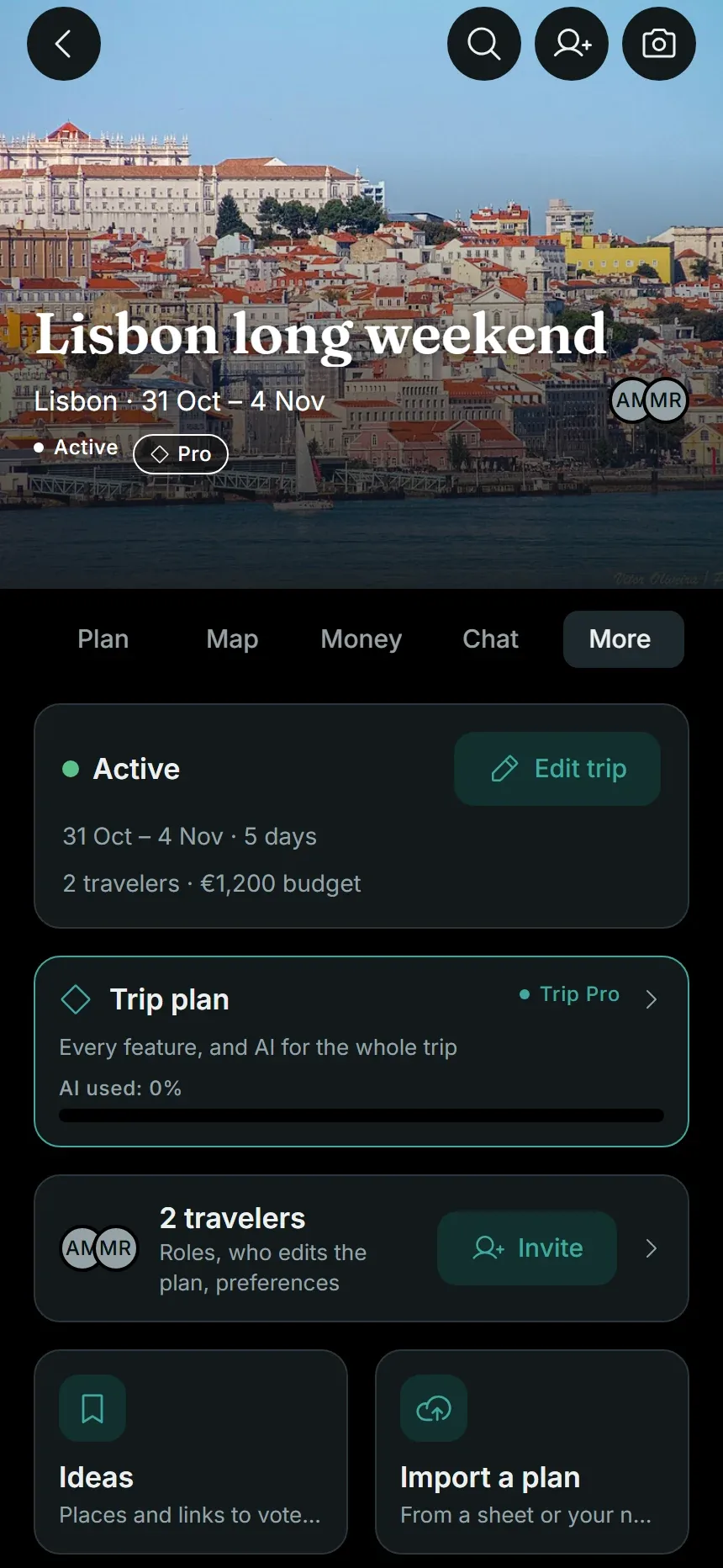
Try it here

The real app, right on this page

These aren’t screenshots. They’re the app’s own cards, built from the same design and filled with sample data. Go ahead and tap.

Switch views

One day, two ways

The list shows how long it takes to get to each stop. The timeline shows how the day fits together.

Day 3 · 3 Nov

Lisbon long weekend · Sintra

09:00

10:00

Train to Sintra

Transport · 1 hr · €5

15:30

17:00

Cabo da Roca

Activity · 1 hr 30 min

25 min · 18 km by car

Vote

Decide together

Polls live in the group chat. Tap an answer; tap it again to take your vote back.

Poll · choose one

Where for dinner tonight?

1 voted

Change the split

Split it your way

Equally, exact amounts or percentages, between whoever was there. It tells you what is left to assign.

Dinner at A Cevicheria

Food · Paid by you

€86.40

Split

€43.20 each, between 2

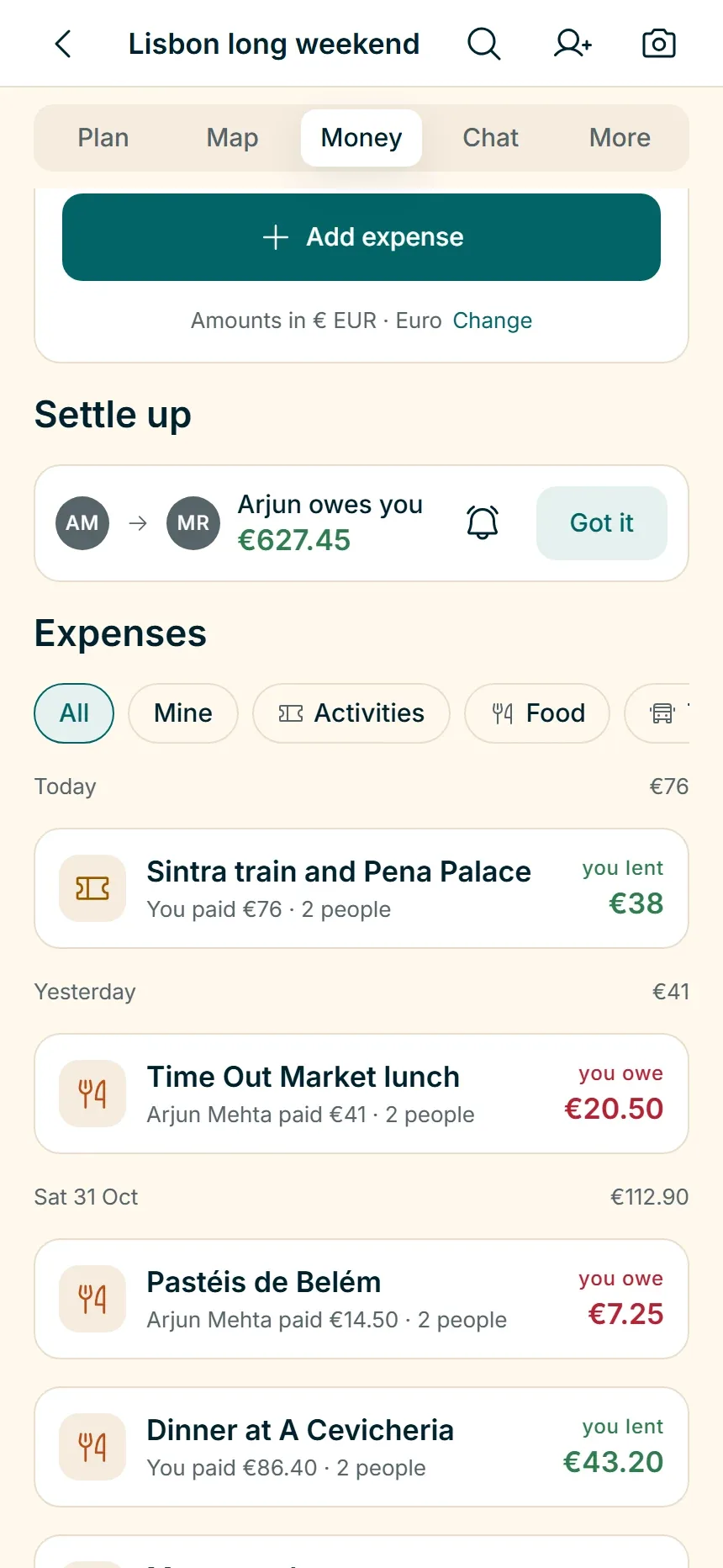
Settle up

Who owes whom, in plain words

What the trip cost, who paid what and how the budget is doing, then one tap to settle.

You're owed €627.45

Total spent€1,389.90
You paid€1,322.40
Your share€694.95
You paid €1,322.40Arjun Mehta paid €67.50

€189.90 over the €1,200 budget

Amounts in € EUR · Euro

Settle up

AMMR

Arjun owes you

€627.45

Nobody owes anyone right now.

Save one

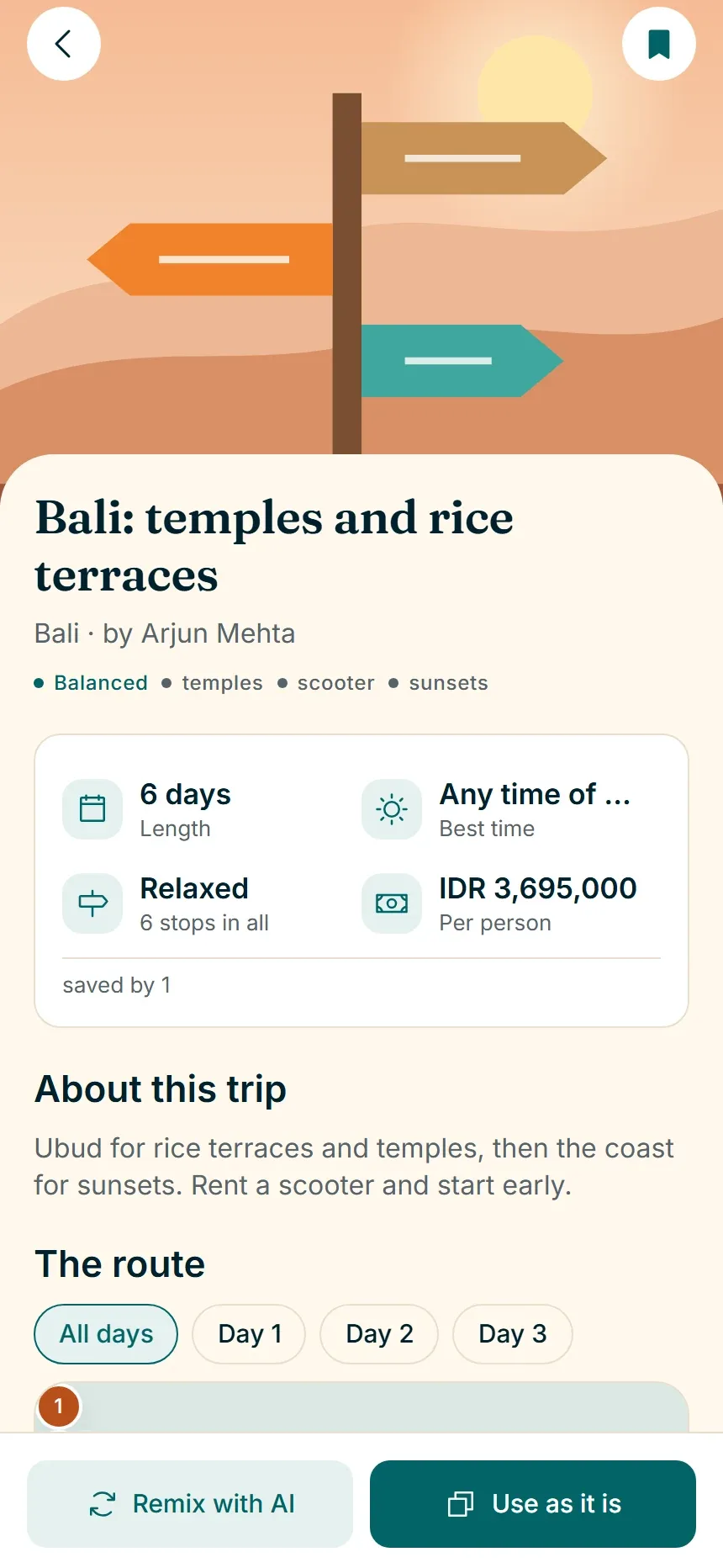
Start from a trip someone took

A finished trip can become a template, with its days, its stops and what it really cost per person.

13 stops · 4 daysBalanced

Lisbon in 4 days: Belém, Sintra and Alfama

Lisbon€694.95 / personUsed in 3 tripsby Maya Rao

6 stops · 5 daysCultural

Paris in 5 days: museums, bistros and Versailles

Paris€1,088.75 / personby Maya Rao

6 stops · 6 daysBalanced

Bali: temples and rice terraces

BaliIDR 3,695,000 / personUsed in 1 tripby Arjun Mehta

AI that asks first

Describe the trip. Approve the plan.

Tell the planner where, when and what you love. It drafts every day, and you choose what stays.

Fits your travel stylePace, budget, interests and food needs are set once and used for every plan.

Tick what you wantUntick an item or a whole day, swap a stop, or step back to an earlier version.

Ask the group firstTurn a suggestion into a poll so everyone has a say before it lands in the plan.

Try it · sample plan
A relaxed weekend in Jaipur: forts, old bazaars, street food and a sunset view
Here is a relaxed first day. Untick anything you don’t want; nothing is saved until you add it.

1 day · 4 stops

Day 1 · 18 Dec

4 stops · 09:00–18:45

09:00

Amber Fort

Fort or palace · 2 h 30 min · Devisinghpura, Amer

Hilltop palace-fort in pale sandstone. Arrive early, before the tour buses.

On the map

28 min · 11 km by car
12:15

Lunch at Laxmi Misthan Bhandar

Indian meal · 1 h · Johari Bazar Rd, Johari Bazar

A Rajasthani thali and ghewar in a Johari Bazaar institution.

On the map

7 min · 550 m on foot
13:30

Johari Bazaar

Market or shopping · 1 h 30 min · Johari Bazar Rd, Johari Bazar

Jewellers, block-printed cloth and lassi stalls under the pink arcades.

On the map

25 min · 9.8 km by car
17:15

Sunset at Nahargarh Fort

Sunset or sunrise · 1 h 30 min · Krishna Nagar, Brahampuri

The whole pink city below you as the lights come on.

On the map

Made for the road

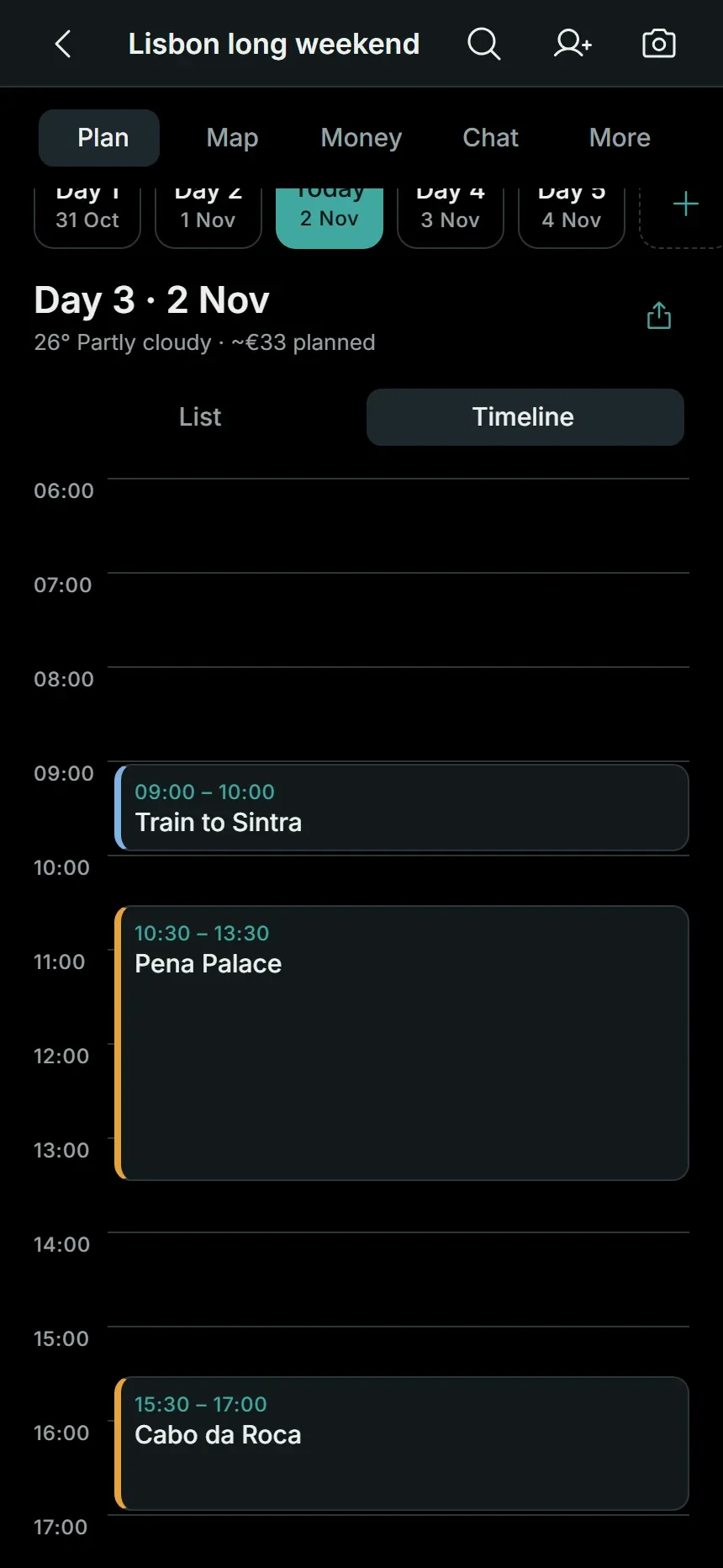
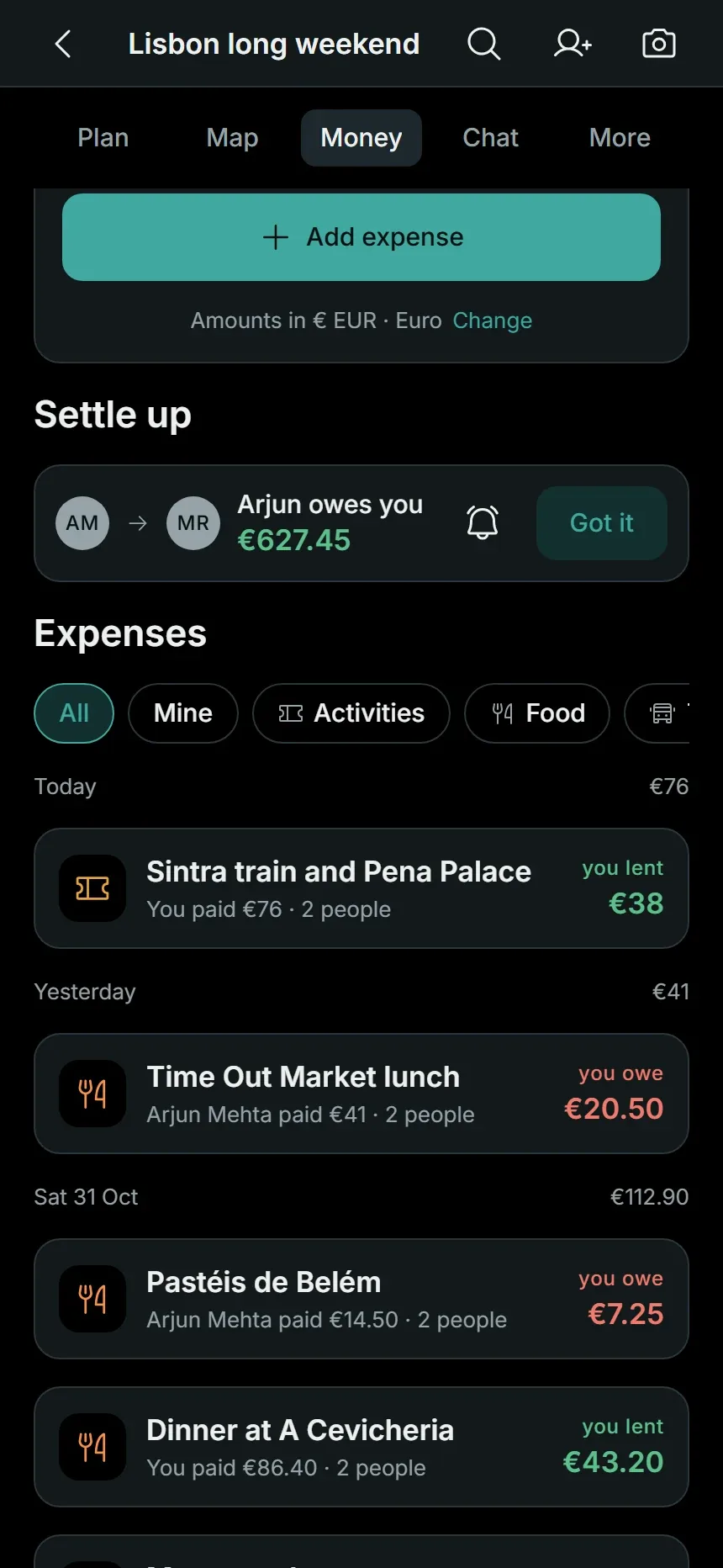
Beautiful by day, easy on the eyes at night

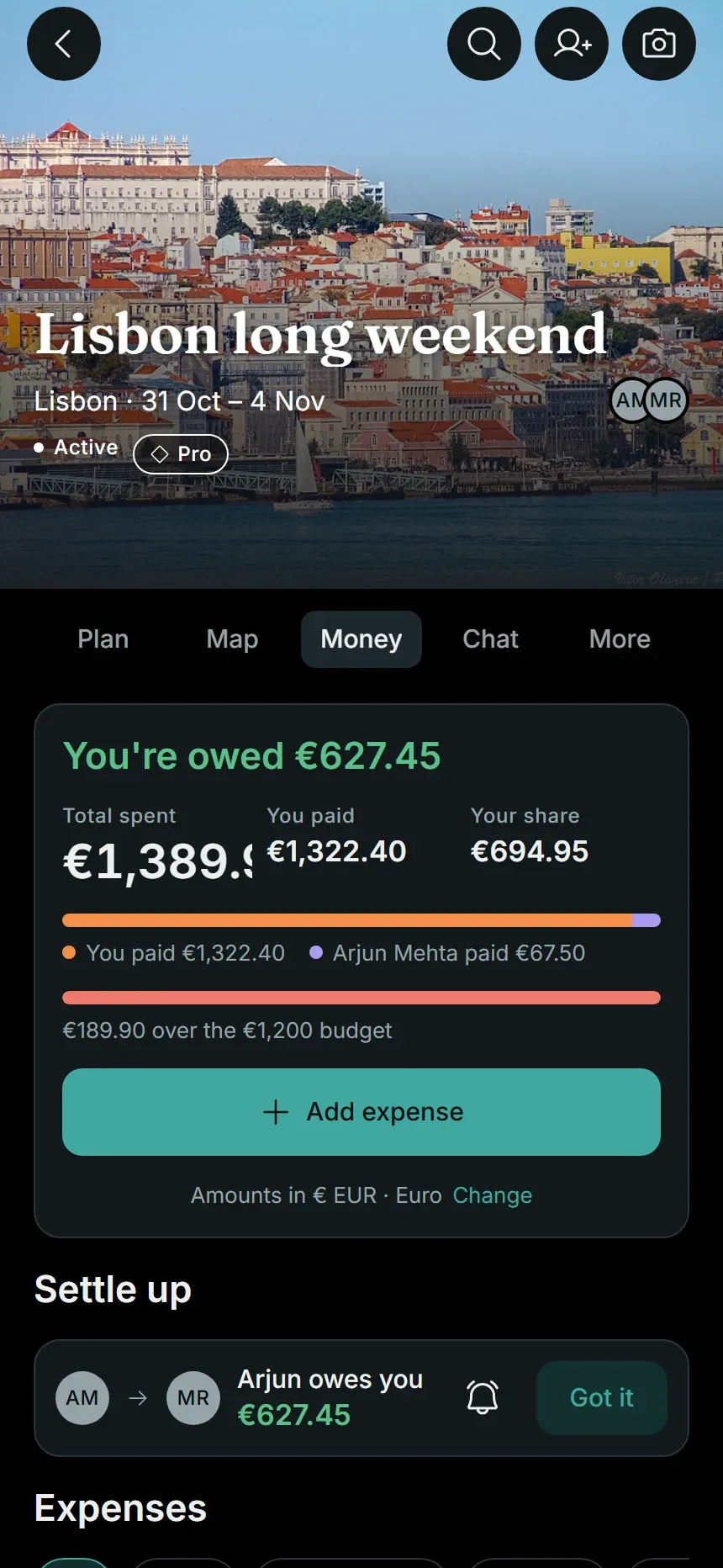
Light and dark themes, large readable text, and clear actions you can use one-handed on a train.

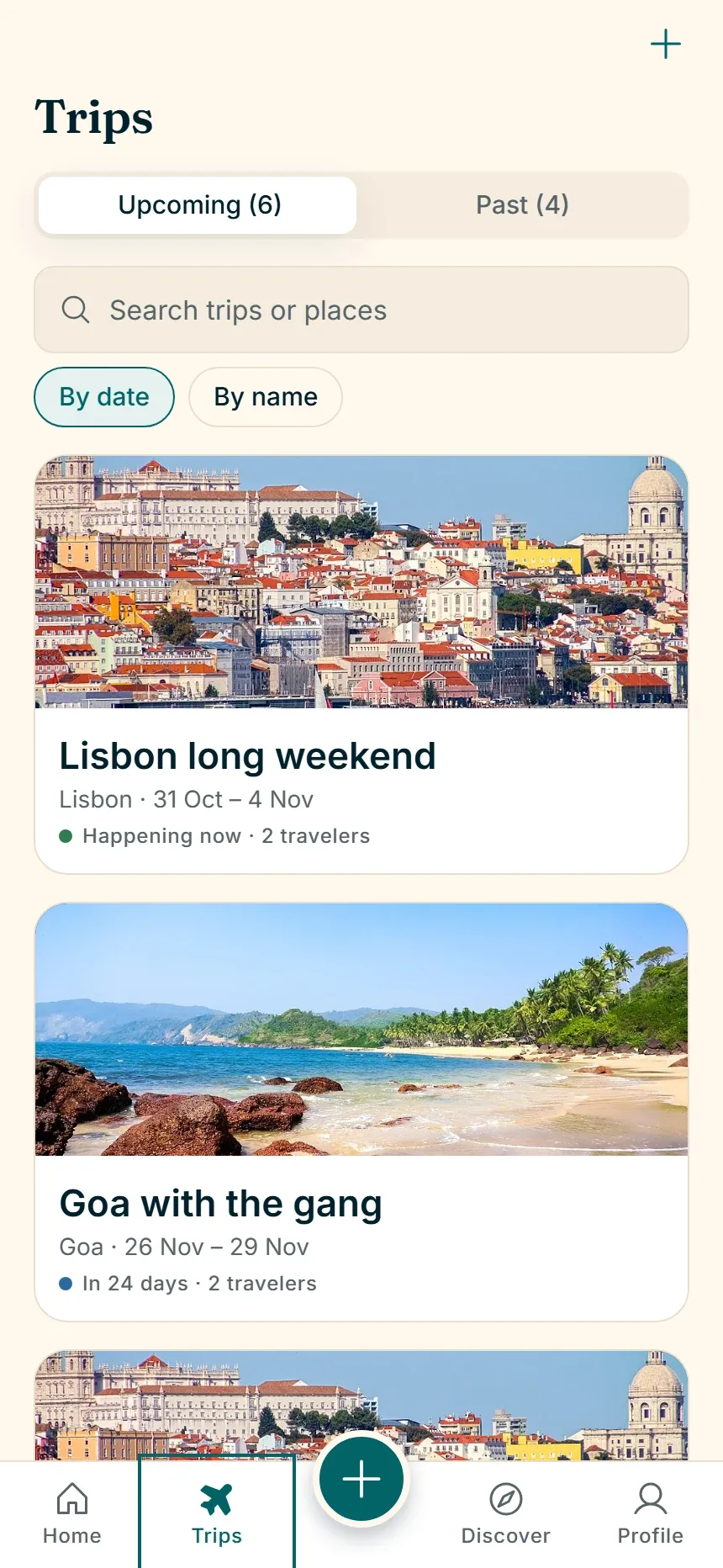
Your trips in light mode
Light
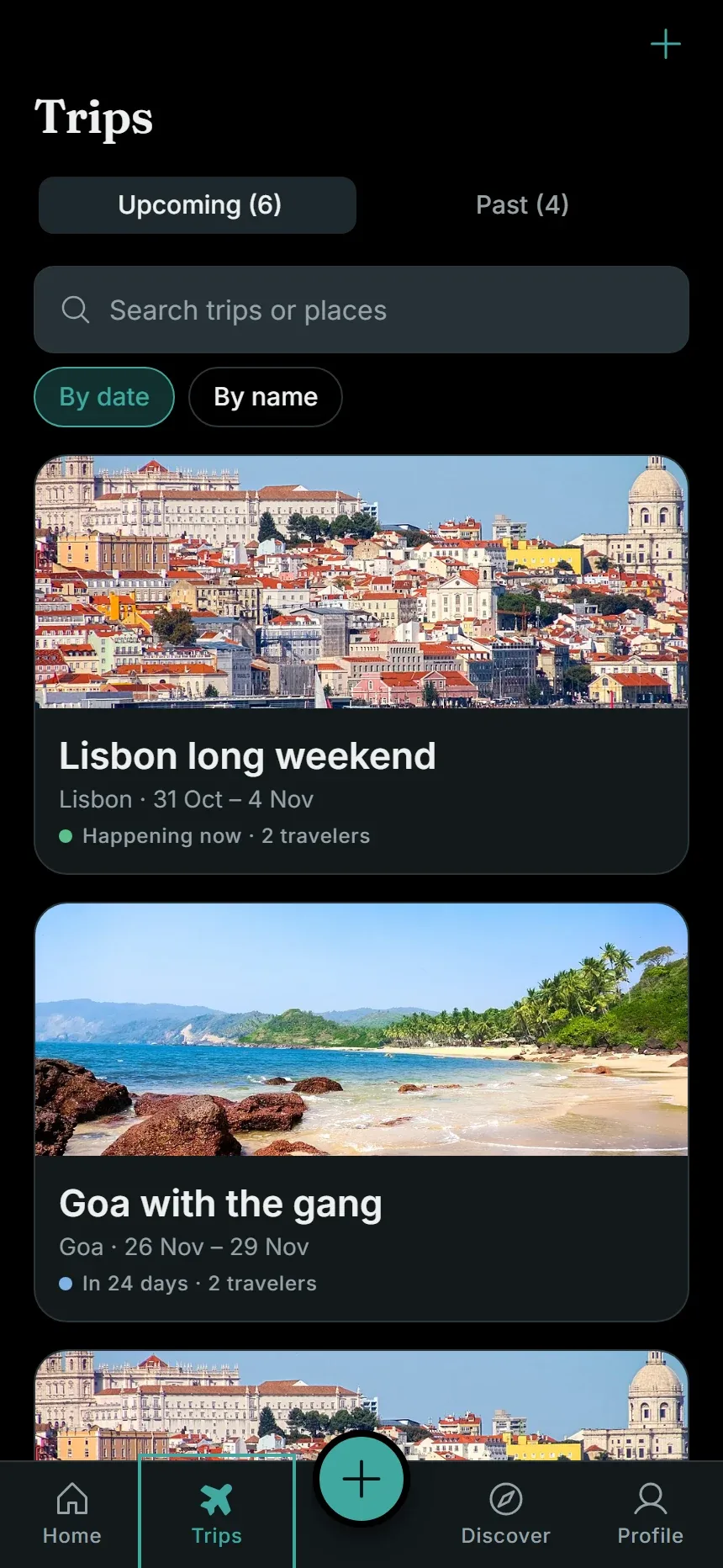
Your trips in dark mode
Dark
How to use it

From download to departure in five steps

1

Create your account

Sign in with email, Google or Apple, then tell the app your travel style once so plans fit you.

2

Start a trip

Plan the whole thing with AI, start from a template, or build it yourself.

3

Invite your group

Share an invite or a join code. Everyone sees one shared plan.

4

Plan and decide together

Chat, poll, add places and split costs as you go.

5

Travel, then share

Follow the day, settle up, and publish the trip as a template.

Read the full guide

FAQ

Good to know

When can I download it?

Bhraman is in development for iOS and Android. Join the waitlist and we will tell you the moment it is ready.

Will the AI change my plan on its own?

No. It proposes changes and shows exactly what would move. Nothing is saved until you add it.

Does it work with a group?

Yes. A trip has members with roles, one shared plan, a group chat, polls and shared expenses.

What if I lose signal?

Trips you have opened stay on your phone, so your plan is still readable offline and refreshes when you are back online.

Where do my documents go?

Into a private vault attached to the trip, away from your photos and chats.

Piku the red panda waving

Be first on the road

Bhraman is almost ready. Leave your email and we will let you know when it is on the App Store and Google Play.